
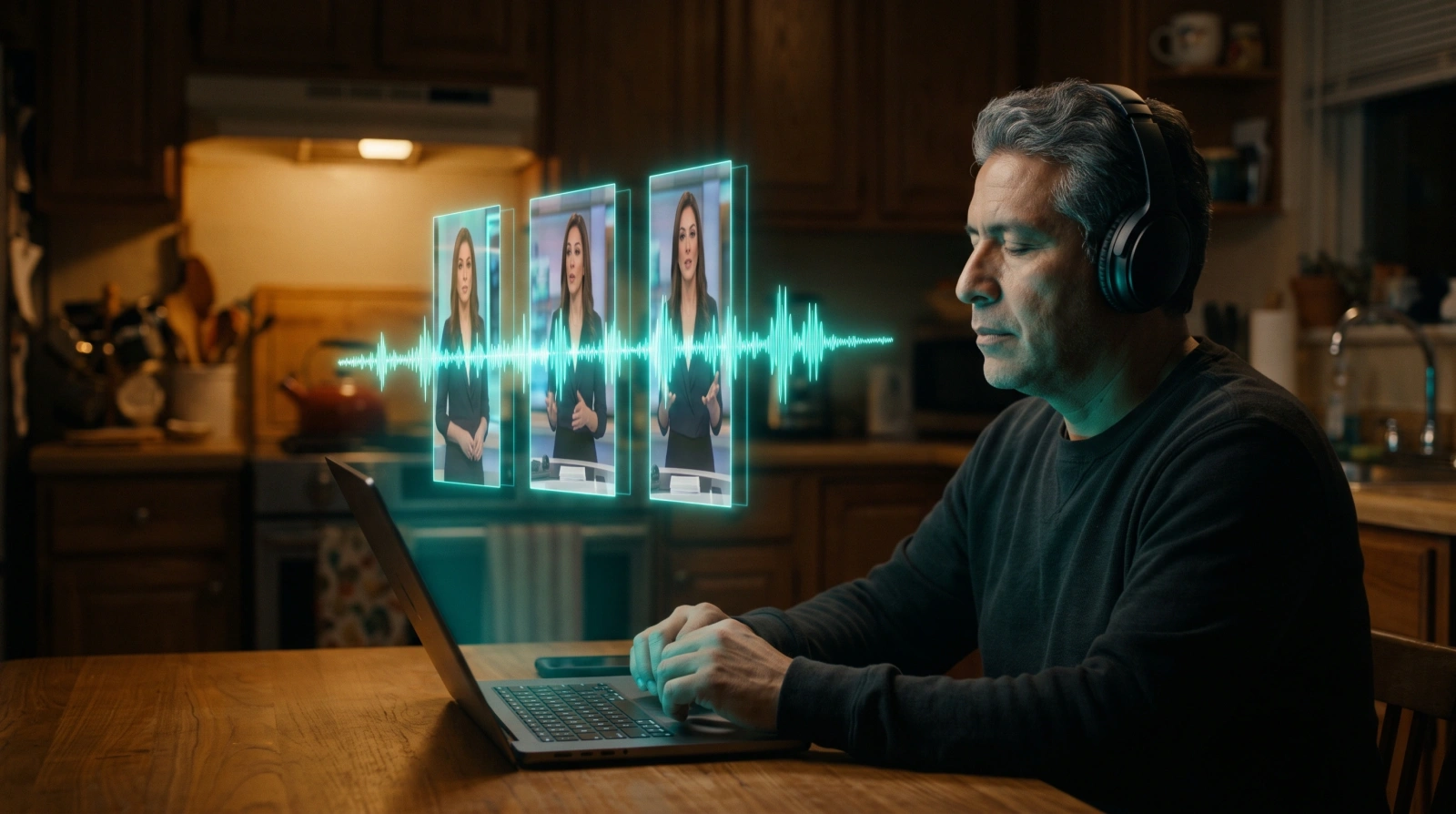
You join three clips of your AI influencer to make a 30-second video. You play it. In the first one a woman with a warm voice speaks. In the third, the same face speaks with a deeper, slower voice.
You notice it in two seconds. So will anyone who watches it on their phone.
Why the voice changes
When the AI makes a clip with a voice, it invents that voice again. If nobody tells it how that person sounds, each clip comes out with a slightly different voice.
The people who teach how to make these videos reach the same fix: describe the voice once, with its accent, and paste that same description, word for word, into every clip.
If the voice changes halfway through the video, people feel someone else is talking, even if the face is the same.
How UGC Viral Studio does it today
- Your influencer says the script inside the video. The voice comes out together with the picture, and there is no separate audio to join.
- The same voice and accent description in every clip. The app keeps how your influencer sounds and repeats it, word for word, in every clip of the video.
- If a clip sounds different, you make it again. You listen to each clip before joining them and redo the one that does not fit.
With a twin of you it is similar: today it says an audio you recorded, up to about 15 seconds a clip. Your own voice on any script is coming soon.
What you still do yourself
Listen. Before you post, play the whole video with headphones, from start to finish. If a word sounds odd or the voice changes, that clip gets made again.
And check that the voice fits the face. A young person with an old man's voice, or the other way around, breaks trust in the first second.
With this you have who appears in your videos: a locked face and a voice that does not change. In module 5 you start making your first video.